Digital Intake Forms That Feed Your Chart Automatically
Build forms with any field type, auto-send on booking, and pull responses into encounter notes. No login required for patients.
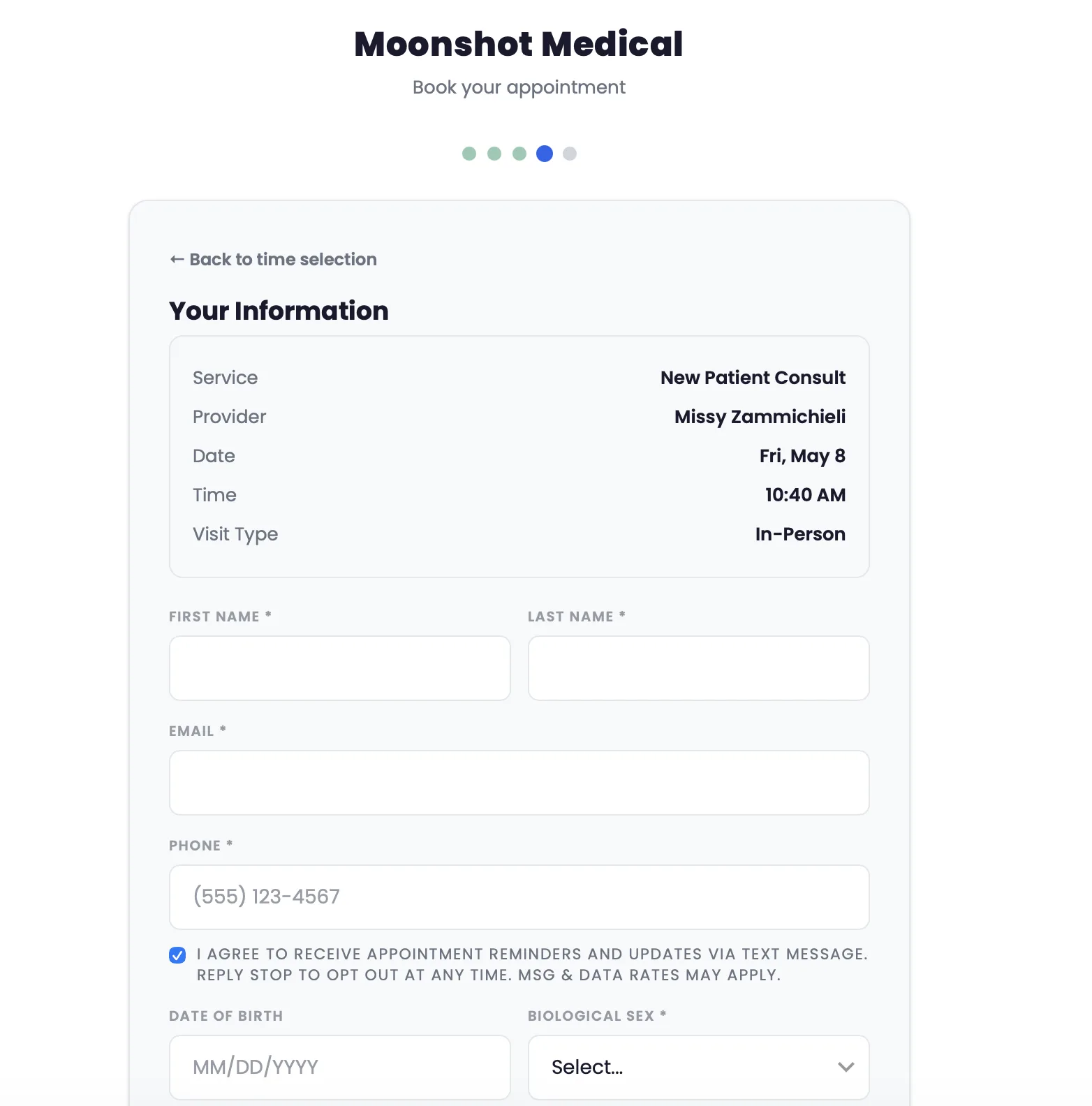
Build forms with any field type, auto-send on booking, and pull responses into encounter notes. No login required for patients.
Capabilities
Build once, send automatically, and never re-enter data. Forms flow into the chart without manual work.
Drag-and-drop builder with text fields, dropdowns, checkboxes, date pickers, signature capture, and file upload fields.
Every published form creates an immutable snapshot. Patients always fill the version that was current when it was sent. Audit-safe.
Assign forms to appointment types. When a patient books, the right forms go out automatically via email or SMS.
Patients access forms via a unique, expiring link. No account required. No portal login. Click, fill, submit.
Form responses map to chart fields. Medical history, allergies, medications, and demographics fill in without re-entry.
Assign point values to responses for screening tools and assessments. Scores calculate automatically on submission.
Patients upload insurance cards, ID photos, or prior records directly in the form. Files attach to their patient record.
Related Features
Assign forms to appointment types. When a patient books, the right intake forms go out automatically.
Learn morePending forms appear on the patient dashboard. Patients complete them before arrival.
Learn moreConsent forms are required before joining a telehealth session. Built on the same form system.
Learn more